
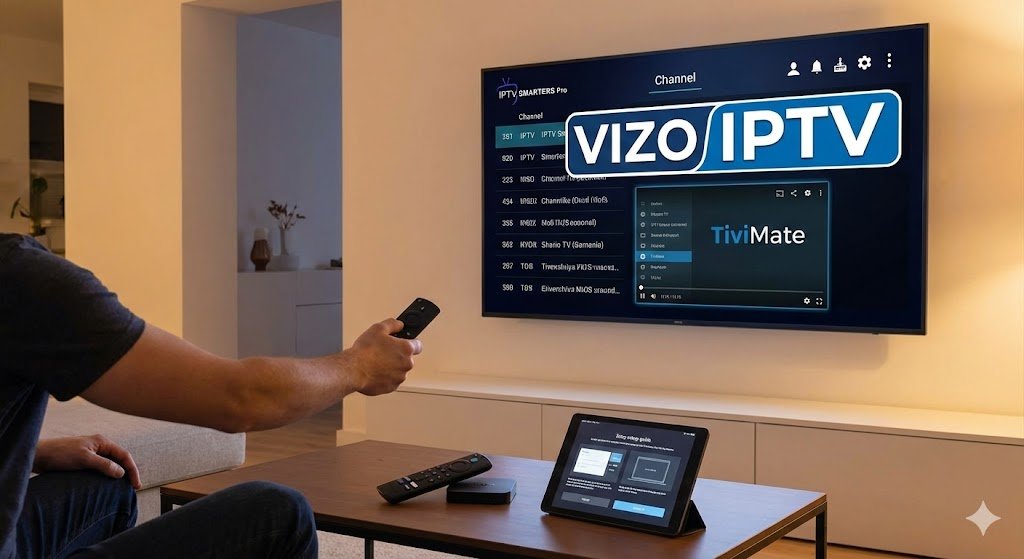
If you have been looking for the best way to stream live TV on your device, you have likely heard of IPTV Smarters Pro. It is widely considered the most popular Smarters Player in the world due to its user-friendly interface and compatibility with almost every device.
However, the app itself is just a “shell”—it does not contain any channels. To watch content, you need to connect it to a service. In this guide, we will show you exactly how to download IPTV Smarters and set it up for free in 2026.
What is IPTV Smarters Pro?
IPTV Smarters Pro is a video player application that allows you to stream content from your IPTV service provider. Unlike other apps that are clunky and hard to use, Smarters offers a sleek, modern layout that supports:
- Live TV, Movies, and Series.
- Catch-up TV (Replay).
- Multi-Screen (Watch 4 channels at once).
How to Install IPTV Smarters Pro on Firestick (2026 Method)
Since the app is occasionally removed from the official Amazon Store, the best way to get it is by “sideloading” it using the Downloader app.
Step 1: Prepare Your Firestick
- Go to Settings > My Fire TV.
- Select Developer Options. (If you don’t see this, click “About” and click your Fire TV Stick name 7 times).
- Turn ON Apps from Unknown Sources.
Step 2: Download the App
- Open the Downloader app (available in the Amazon App Store).
- In the URL bar, type this shortcut code: https://Firesticktricks.com/smarter or search for “IPTV Smarters APK”.
- Click Go and wait for the file to download.
- Click Install.
How to Setup Your Playlist (Login)
Once you have opened the Smarters Player, you will be asked to add a user. This is the most critical step.
You will typically see an option to “Login with Xtream Codes API”. This is the recommended method as it sorts your channels automatically. You will need:
- Any Name: (e.g., “My TV”)
- Username: (Provided by your service)
- Password: (Provided by your service)
- URL/Port: (Provided by your service)
⚠️ Important: The IPTV Smarters Pro app does not come with content. To watch live sports, movies, and Canadian channels, you need a high-quality subscription.
Need a Premium Playlist?
Don’t waste time with buffering or empty playlists. Vizo IPTV is fully compatible with Smarters Pro and offers over 40,000 channels in 4K/HD. 👉 [Click Here to Get Your Vizo IPTV Subscription Now]
Troubleshooting Common Errors
- “Authorization Failed”: This usually means your subscription has expired or you typed the password wrong.
- Buffering: If your internet is fast but IPTV Smarters setup is still buffering, your provider’s server might be overloaded. Switch to a reliable provider like Vizo IPTV.
Conclusion
Setting up IPTV Smarters Pro is the first step to unlocking a world of entertainment. It is free, powerful, and easy to use. But remember, the app is only as good as the service you connect to it. Make sure you pair it with a premium provider for the best experience.
One Response