
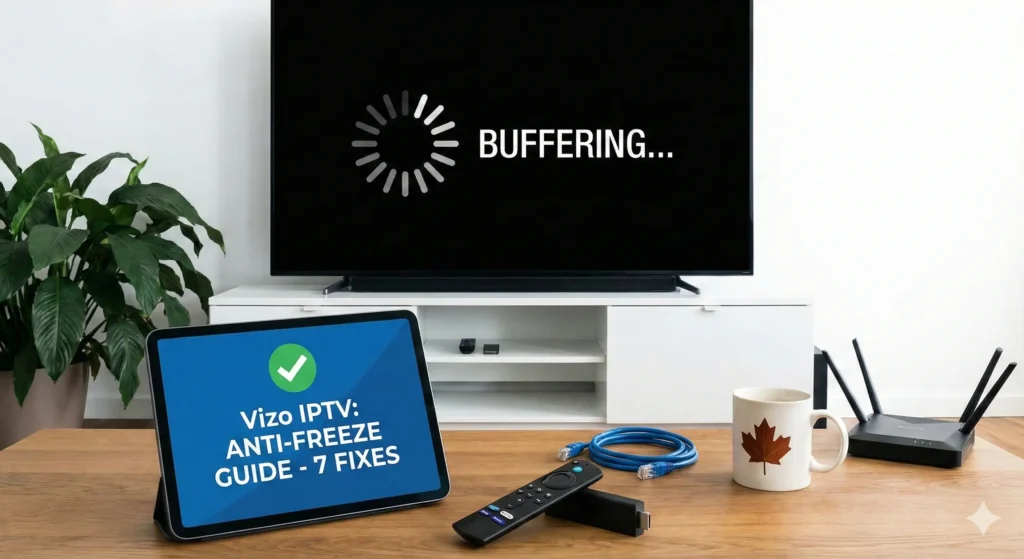
There is nothing worse than settling in to watch the Stanley Cup playoffs or a UFC main event, only for your screen to freeze right at the critical moment. The dreaded “spinning circle” is the number one complaint for streaming users across Canada.
If you are finding yourself shouting, “Why does my IPTV keep buffering?”—you are not alone.
To stop IPTV freezing in Canada, you need more than just a good subscription; you need the right setup. In this comprehensive 2026 guide, we will walk you through 7 proven steps to fix IPTV buffering effectively.
1. Test Your “Real” Internet Speed (Ping & Jitter)
Most Canadians think they have fast internet because they pay Bell or Rogers for “Gigabit” speeds. However, streaming live TV requires stability, not just raw speed.
- The Minimum: You need at least 25 Mbps for HD and 50 Mbps for 4K streaming.
- The Hidden Killer: High “Jitter” (fluctuations in signal) will cause lag even on fast connections.
How to Test Properly:
- Open the Silk Browser on your Firestick.
- Go to
fast.com. - Crucial Step: Watch the numbers. If your speed jumps wildly (e.g., 100 Mbps down to 10 Mbps), your WiFi is unstable, which is why you need to fix IPTV buffering by improving your connection first.
2. Clear Your App Cache (The #1 IPTV Buffering Fix for Firestick)
If you have been using your streaming app for months without maintenance, it collects temporary “junk” files. This data corrupts and slows down your device. This is the most common IPTV buffering fix for Firestick users.
How to do it (Weekly Maintenance):
- Go to Settings > Applications.
- Select Manage Installed Applications.
- Find your app (e.g., IPTV Smarters Pro).
- Click Force Stop.
- Click Clear Cache.
⚠️ Warning: Do NOT click “Clear Data” or you will lose your login details. Only click “Clear Cache.”
3. WiFi vs. Ethernet: The “Hardwire” Advantage
Are you using WiFi in a basement or upstairs bedroom? Signals drop significantly through walls.
The Solution: For a 100% stable connection, buy a Firestick Ethernet Adapter ($20 on Amazon). Plugging an internet cable directly into your device eliminates interference and is one of the easiest ways to stop IPTV freezing in Canada.
4. Restart Your Router (The Power Cycle)
It sounds like a cliché, but modern modems get clogged with memory errors after running for weeks.
The “60-Second” Rule:
- Unplug your router.
- Wait 60 seconds. (This clears the internal RAM).
- Plug it back in. This forces your ISP to assign a fresh connection route, often bypassing congested traffic lanes.
5. Bypassing ISP Throttling (The Canadian Problem)
This is the most common reason for buffering in Canada. ISP throttling IPTV traffic is a common practice where providers like Bell or Rogers intentionally slow down your streaming speed during peak hours (7 PM – 10 PM) to save bandwidth.
- The Symptom: Netflix works fine, but your live TV buffers.
- The Fix: You need a VPN.
Using the best VPN for IPTV buffering encrypts your data. Your ISP can see that you are online, but they cannot see what you are watching. If they can’t detect the stream, they can’t throttle it.
6. Adjust Media Player Settings
Sometimes the issue is the app, not the internet.
- Hardware Decoder: In apps like TiviMate or Smarters, go to Settings > Player and switch to Hardware Decoder (HW). This uses the Firestick’s chip for smoother playback.
- Buffer Size: Increase your buffer size to “Large” in the settings to create a safety net against small internet hiccups.
7. The Ultimate Fix: Switch to a “Multi-Server” Provider
If you have done all 6 steps—you are hardwired, your cache is clear, and you have a VPN—but you are still lagging, then your provider is the problem.
Cheap resellers oversell their servers, leading to crashes during big games. No amount of troubleshooting can fix a bad server.
The Vizo IPTV Difference: At https://iptvc.ca/, we use Load Balancing Technology.
- We don’t rely on just one server.
- If one server gets busy, we instantly route you to a backup.
- This is how we guarantee a premium, freeze-free experience.
Summary: How to Stop the Freeze
Don’t suffer through another laggy game. Follow this checklist to fix IPTV buffering:
- ✅ Test your real speed.
- ✅ Clear your cache weekly.
- ✅ Use an Ethernet cable.
- ✅ Avoid ISP throttling IPTV with a VPN.
- ✅ Switch to a stable provider.
Ready for a buffer-free experience? Stop paying for lag. Switch to Vizo IPTV today and see the difference premium servers make.
Frequently Asked Questions (FAQ)
Q: What is the best IPTV buffering fix for Firestick? A: The most effective quick fix is to clear the cache in your applications menu and restart your router. For a permanent fix, use an Ethernet adapter.
Q: Why does my IPTV freeze only at night? A: This is likely due to ISP throttling IPTV traffic during peak hours. Using a VPN prevents your internet provider from slowing you down.
Q: Do I need a VPN for Vizo IPTV? A: While Vizo works without one, we recommend using the best VPN for IPTV buffering if you notice speed drops during live sports events.
Q: Can I use Vizo IPTV on multiple devices? A: Yes! We offer multi-connection plans. Check our [Link: Pricing Page] for details.
One Response