
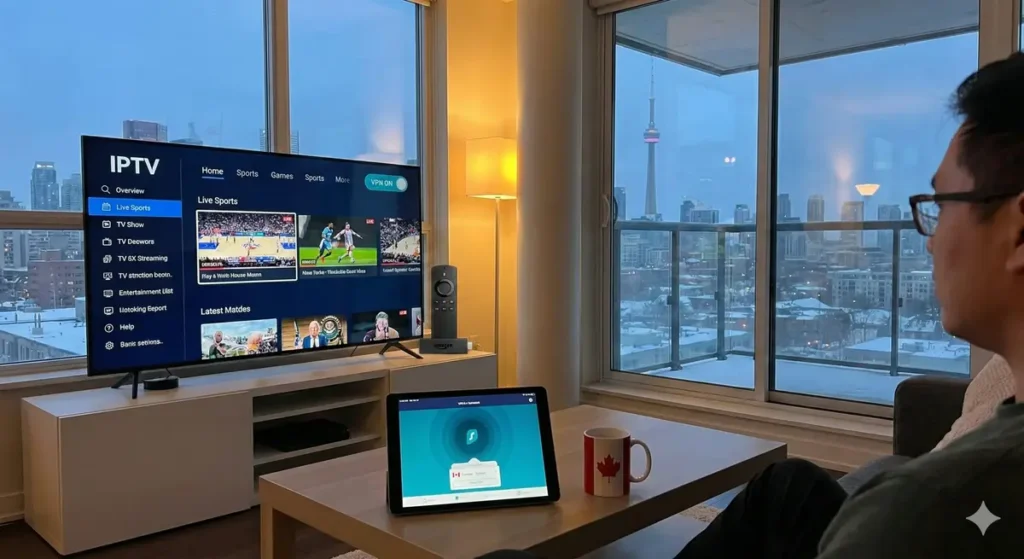
In 2026, the landscape of digital entertainment in Canada has shifted dramatically. With cable bills from giants like Bell, Rogers, and Telus reaching all-time highs, thousands of Canadians are “cutting the cord” every month in favor of Internet Protocol Television (IPTV). It offers a world of content—live sports, international channels, and on-demand movies—at a fraction of the cost.
But this freedom comes with a lingering question that dominates online forums and tech discussions: Do you really need a VPN for IPTV in Canada?
The short answer is: Technically no, but practically yes. While a high-quality IPTV service will work without one, using it “naked” exposes you to significant privacy risks, potential legal headaches, and the frustrating reality of ISP monitoring.
This comprehensive guide will break down exactly why a VPN for IPTV Canada is more than just a luxury tool in 2026—it is an essential layer of protection for your digital home.
The Canadian Legal Landscape: Bill C-11 and You
To understand the risks, we first need to look at the rules. The legal environment for streaming in Canada has evolved. The Copyright Modernization Act and the more recent Online Streaming Act (Bill C-11) have changed how the government and Internet Service Providers (ISPs) handle digital content.
The “Notice-and-Notice” Regime
Canada does not typically fine users directly for simply watching unauthorized streams. Instead, we operate under a “Notice-and-Notice” system.
- How it works: If a copyright holder (like a movie studio or sports broadcaster) detects your IP address sharing their content, they send a notice to your ISP.
- The ISP’s Role: Your ISP (e.g., Bell or Rogers) is legally required to forward this notice to the email address associated with your internet account.
- The Reality: These emails can be frightening. They often contain legal jargon and threats of lawsuits. While they are usually just warnings, they prove one undeniable fact: your ISP knows exactly what you are doing.
By using a VPN for IPTV Canada, you replace your real IP address with one from the VPN provider. This means copyright trolls see the VPN’s server address, not your home address, effectively stopping these notices before they start.
ISP Monitoring: Are They Really Watching?
Many Canadians believe that if they have “Unlimited Data,” their ISP doesn’t care what they do. This is a dangerous misconception. ISP monitoring is a standard practice in 2026, not just for legal reasons, but for network management.
The Threat of Throttling
Have you ever noticed that your stream works perfectly in the morning but starts buffering constantly at 8:00 PM during a hockey game? This is often due to bandwidth throttling.
ISPs use a technology called Deep Packet Inspection (DPI) to analyze the type of traffic passing through their network. If they see you are streaming high-bitrate video from a known premium IPTV provider—especially during peak hours—they may deliberately slow down your connection to save bandwidth for other users.
- Without a VPN: Your traffic is an open book. The ISP sees “Video Stream” and can throttle it.
- With a VPN: Your traffic is encrypted. The ISP sees “Jumbled Data.” They cannot identify it as video, so they cannot selectively throttle it.
When You ABSOLUTELY Need a VPN
While some users might get away with casual streaming without protection, there are three specific scenarios where a VPN is non-negotiable.
1. To Hide Streaming Activity
If you value privacy, the idea of a corporation logging every channel, movie, or show you watch is unsettling. Your viewing habits are personal data. A reliable VPN will hide streaming activity from your ISP, government agencies, and data brokers. It creates an encrypted tunnel between your device and the internet, ensuring that you are the only one who knows what you are watching.
2. Accessing Geo-Blocked Content
Canadian content libraries are notoriously smaller than their US or UK counterparts. If your subscription offers channels from the BBC (UK) or Hulu (USA), you might find them blocked because you are connecting from a Canadian IP address. A VPN allows you to “teleport” your digital location, unlocking global content instantly.
3. Using Public Wi-Fi
If you watch IPTV on your phone or iPad while traveling—in hotels, airports, or coffee shops—you are vulnerable. Public Wi-Fi networks are often unsecured, making it easy for hackers to intercept your data. A VPN encrypts this connection, keeping your login credentials and personal info safe.
Top VPN Choices for Canadian IPTV Users
Not all VPNs are created equal. Free VPNs are often too slow for streaming and may sell your data. For a buffer-free 4K experience in 2026, you need a premium tier service to pair with Vizo IPTV for the best results.
1. NordVPN (Best All-Rounder)
NordVPN IPTV performance is legendary. With over 400 servers in Canada alone (Montreal, Toronto, Vancouver), they offer the fastest speeds we have tested. Their “NordLynx” protocol ensures that the encryption overhead doesn’t slow down your live sports streams.
- Key Feature: Built-in “Threat Protection” that blocks malicious ads often found on streaming apps.
2. ExpressVPN (Easiest to Use)
If you aren’t “tech-savvy,” ExpressVPN is the best choice. Their app is simple: click one button, and you are protected. The ExpressVPN setup on devices like the Amazon Firestick or NVIDIA Shield is seamless.
- Key Feature: “Lightway” protocol which connects instantly and recovers quickly if your internet drops.
3. Surfshark (Best Budget Option)
For households with many devices, Surfshark is a lifesaver because it allows unlimited simultaneous connections. You can protect your TV, your phone, your laptop, and your kids’ tablets all on one cheap subscription.
Step-by-Step: How to Set Up a VPN for IPTV
Setting up protection is easier than programming a VCR. Here is a quick guide for the most popular device, the Amazon Firestick:
- Subscribe: Sign up for a service like NordVPN or ExpressVPN.
- Install: Go to the “Find” or “Search” icon on your Firestick home screen. Type in the name of your VPN and download the official app.
- Login: Enter your username and password.
- Connect: Choose a server location.
- Tip: For the best speed, choose a server closest to you (e.g., if you are in Toronto, pick a Toronto server).
- Tip: To bypass geo-blocks, choose a server in the target country (e.g., New York for US content).
- Verify: Once the screen turns green or says “Connected,” open your Vizo IPTV app and start streaming.
Final Verdict: Is It Worth It?
In 2026, the internet is less open and more monitored than ever before. While you can drive a car without insurance, it’s a risk most people wouldn’t take. Similarly, using streaming services without a VPN is a gamble with your privacy and viewing quality.
For the cost of a cup of coffee per month, a VPN for IPTV Canada solves three major problems:
- It stops ISP monitoring and the resulting “Copyright Notices.”
- It prevents buffering caused by ISP throttling.
- It unlocks international content that is otherwise geoblocked.
If you are serious about “cutting the cord” and want a premium, hassle-free experience, a VPN is not just recommended—it is a necessary piece of your streaming setup.
Protect your digital footprint today. For more information on your rights regarding digital privacy, you can visit the Office of the Privacy Commissioner of Canada.