
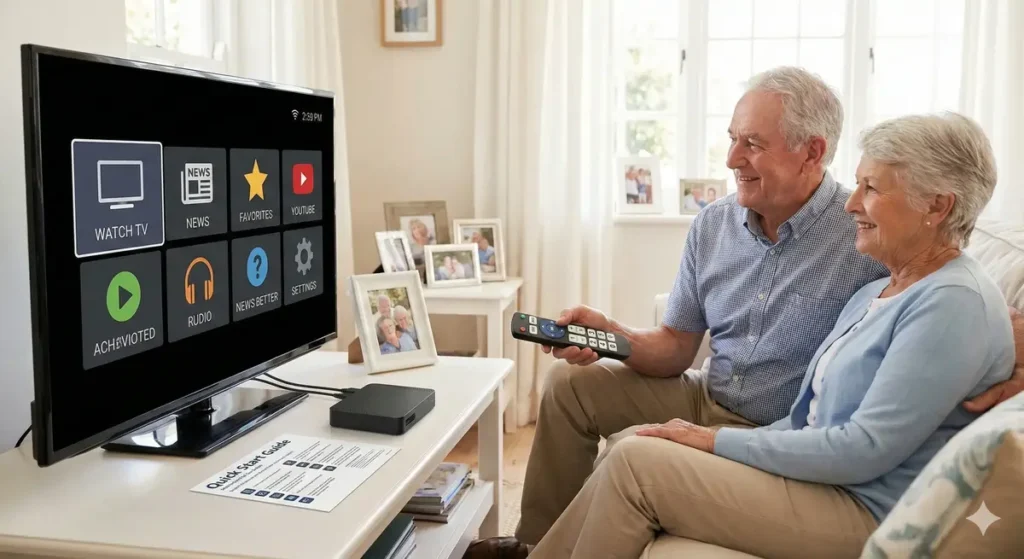
For many of us, navigating a modern smart TV is second nature. But for the older generation, the shift from traditional cable to digital streaming can feel like learning a new language. The endless menus, tiny remote buttons, and complex interfaces often lead to frustration rather than entertainment.
However, reliable TV shouldn’t be complicated. By choosing the right hardware and configuring it correctly, you can create the Easiest IPTV Setup for Aged Users—one that works just like the “old TV” they are used to.
This guide walks you through how to build a frustration-free streaming experience that prioritizes simplicity, visibility, and ease of use.
Why Standard IPTV Setups Fail for Seniors
Most IPTV apps are built for tech-savvy users. They are packed with features like “Multi-Screen,” “Catch-up,” and “VOD” that clutter the screen. For an elderly user, this is visual noise. They don’t want to tweak settings; they just want to watch the news or their favorite sports.
To create Simple IPTV for seniors, we need to strip away the complexity and focus on one thing: One Click to Watch.
Step 1: Choosing the Right Hardware
The foundation of the Easiest IPTV Setup for Aged Users is the device itself. Avoid complex Android boxes that require a mouse toggle or gaming controllers.
1. The MAG Box (The “Cable Box” Feel)
For pure simplicity, a MAG box (like the MAG 540) is often the best choice. It boots directly into the TV channels. There are no apps to open and no home screens to navigate. It mimics the behavior of a traditional cable box perfectly.
2. Roku or Firestick (With Modifications)
If you prefer modern streaming sticks, Roku is generally the most elderly friendly streaming device due to its large, grid-based interface. Firesticks are also powerful but require some “cleaning up” to remove the Amazon ads and clutter that can confuse older users.
Step 2: The “Grandparent-Proof” Configuration
Once you have the device, the secret lies in the setup. Do not just hand the remote over; configure it first.
Auto-Start is Mandatory
The number one issue for aged users is “finding the app.”
- The Fix: Configure the device to launch the TV app automatically when it turns on. On many Android boxes, you can use “Boot on Start” settings so the TV starts playing immediately, just like cable.
Curate the Channel List
Thousands of channels are a nightmare, not a luxury.
- The Fix: Hide everything they don’t watch. Create a “Favorites” group containing only the 10-20 channels they actually view (e.g., Local News, Sports, Weather). Set the app to open this Favorites group by default. This prevents them from getting lost in foreign channels or VOD menus.
Step 3: Simplifying the Interface
The software you choose matters. You need easy to use IPTV apps that have large text and high contrast.
- TiviMate (Premium): This is widely regarded as the best option because of its “clean” look. You can disable every menu item except “TV Guide.” You can even lock the settings with a PIN code so they cannot accidentally change the configuration.
- IPTV Smarters (Lite Mode): If you use Smarters, ensure you are logged in and have hidden the “Series” and “Movies” tabs if they won’t use them, leaving only “Live TV” visible.
Step 4: The Remote Control Solution
The physical remote is the bridge between the user and the TV. Modern remotes with 50 buttons are the enemy.
Get a Simplified IPTV Remote
Consider buying a “Senior Universal Remote.” These are inexpensive remotes that feature only huge buttons for:
- Power
- Channel Up/Down
- Volume Up/Down
You can map these buttons to your IPTV device. This removes the fear of pressing the “wrong button” and changing the input source—a common panic point for aged users.
Conclusion: restoring Independence
Technology should empower the elderly, not isolate them. By taking the time to set up a dedicated, simplified system, you aren’t just giving them TV channels; you are giving them independence.
The Easiest IPTV Setup for Aged Users isn’t about the most expensive gear; it’s about empathy. It’s about setting up a system that respects their habits and removes the barriers, ensuring they can enjoy their favorite shows with a single click.
Next Step for You
Would you like me to write a “Quick Start Guide” PDF one-pager text that you can print out and give to your older customers? It would include big, bold instructions like “How to Turn On” and “How to Change Channels” to include in your welcome email.